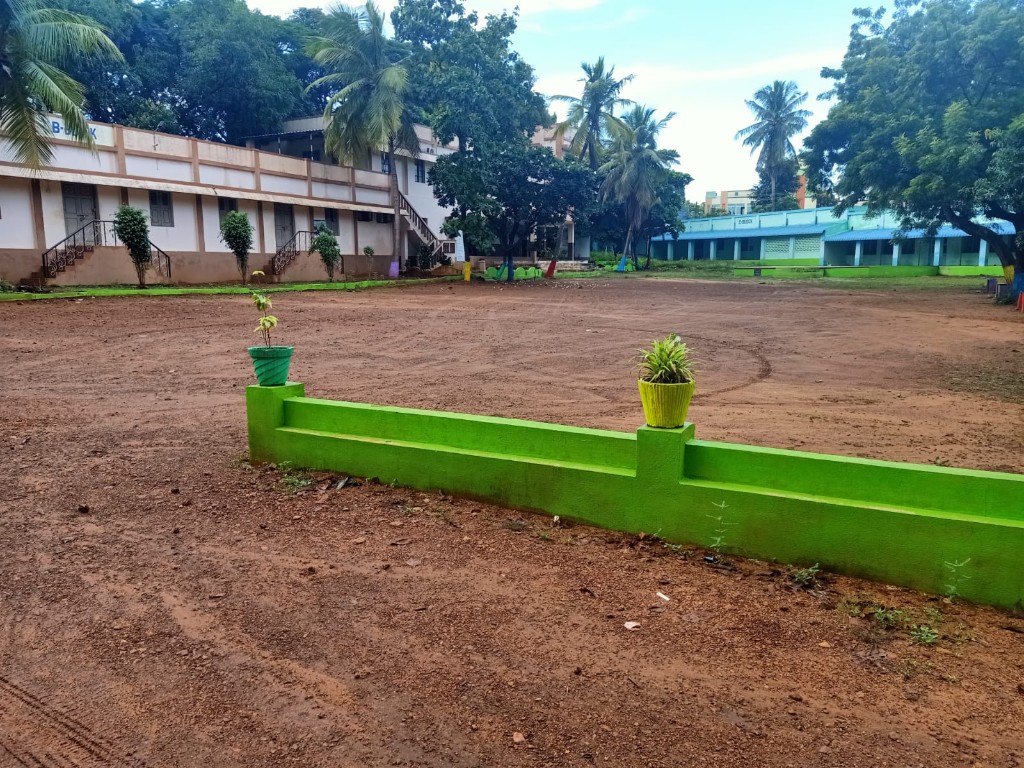
Our Mission
To make practical computer, language, and work-ready skills available to learners in our community, with teaching that is patient, clear, and useful in daily life.

Varam Educational & Charitable Trust
Unlocking opportunities through quality education, practical skills, digital innovation, and community empowerment.
Scroll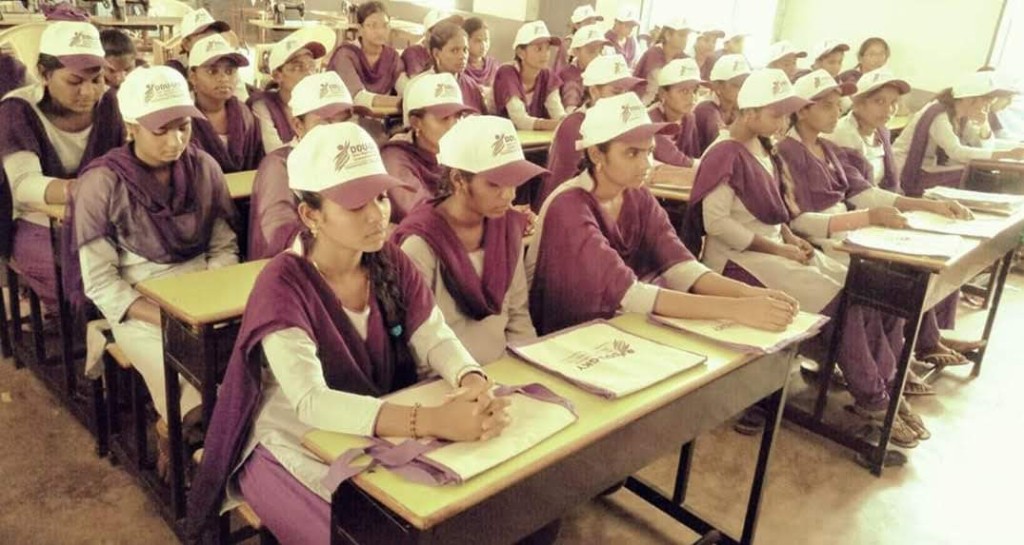



From the campus
Classroom practice
About the Trust
Varam Educational & Charitable Trust is based in Nellore. The Trust teaches skill development, computer education, digital literacy, employability, and accessible learning.
To make practical computer, language, and work-ready skills available to learners in our community, with teaching that is patient, clear, and useful in daily life.
A learning community in which education opens practical paths for study, work, and participation in a digital world.
We are committed to hands-on practice, respectful classrooms, and learning paths that recognise different starting points. Trainers and learners should be able to see what a lesson is for, try it, and ask for help.
Learners are met with patience. A question is part of the lesson, not an interruption.
Skills settle when people use them. Sessions favour doing the task, then talking about it.
Instructions, examples, and next steps should be easy to follow the first time.
Classrooms work when every learner is treated as capable and welcome.
A course states what it covers. A certificate from the Trust records that a learner finished that course.
Training programs
Web page · HTML, CSS, layout
Build a simple website with HTML, CSS, and JavaScript, then put the pages on the web.
Web Development
1 of 9
Why learn here
Lessons are built around tasks a learner can try: a file, a worksheet, a short conversation, or a small program.
Programs focus on tools and habits used in offices, classrooms, and entry-level digital work.
Trainers show a task, watch the practice, and correct it with care.
The campus includes notes, video lessons, and practice papers a learner can revisit in the browser.
Employability and guidance programs connect skills with how a learner might talk about them in a workplace conversation.
Pace, language, and examples should fit the people in the room, including learners who are new to computers.
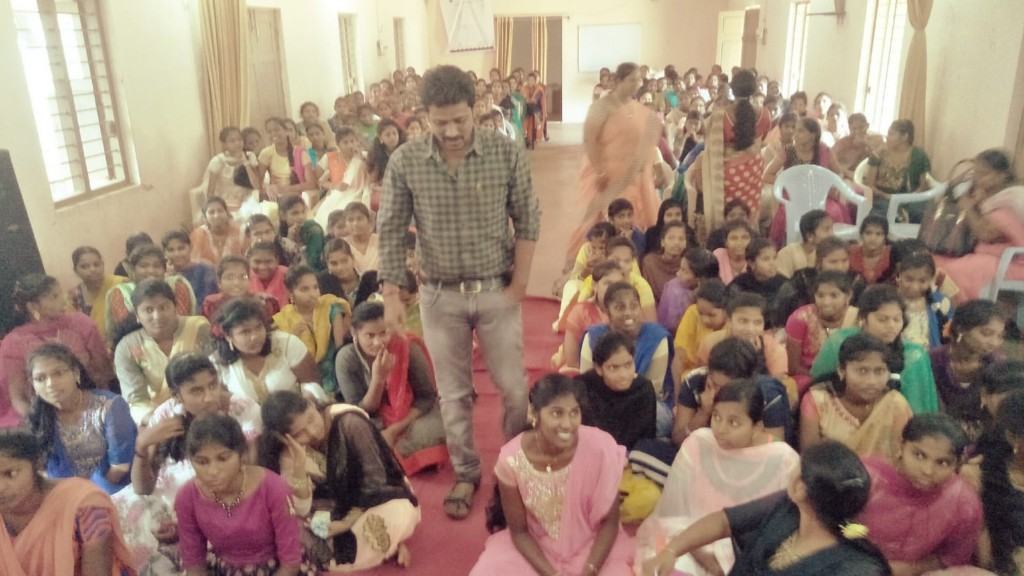
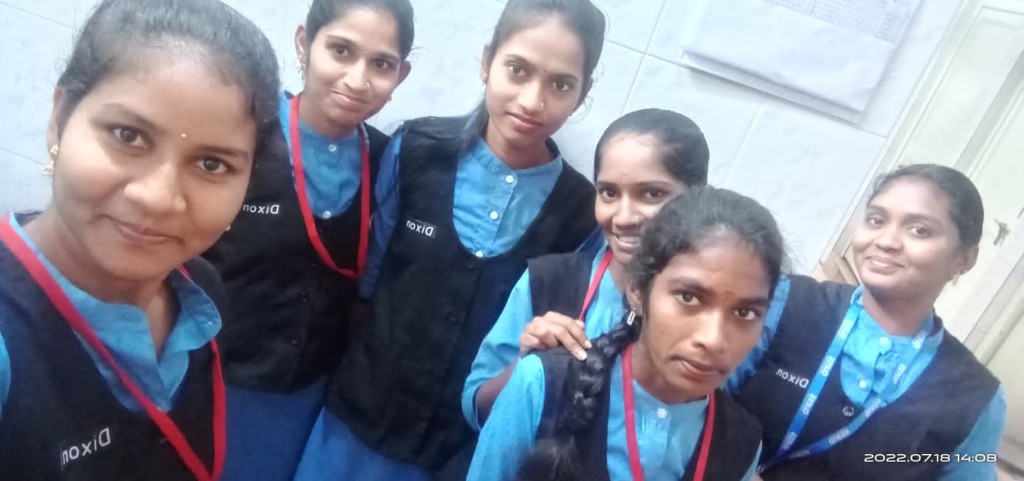
Training gallery
01
Read the courses and choose the skill you want to practise.
02
Students can sign in and start. Trainers wait until the Trust approves the account.
03
Work through the lessons, complete the written assignment, and sit the practice paper.
04
A finished course can open the Trust’s own completion record for that course.
Sign in to the student campus, or open the trainer and admin workspaces with a staff account. Progress is saved to your account.